Notes
3 min read
By Le Quoc Khanh
The Rise of Quiet UX: Designing Calm, Frictionless Experiences
Discover the rise of Quiet UX—designing calm, intuitive, and frictionless digital experiences that reduce user stress and enhance satisfaction.
Introduction: Overcoming Digital Overload
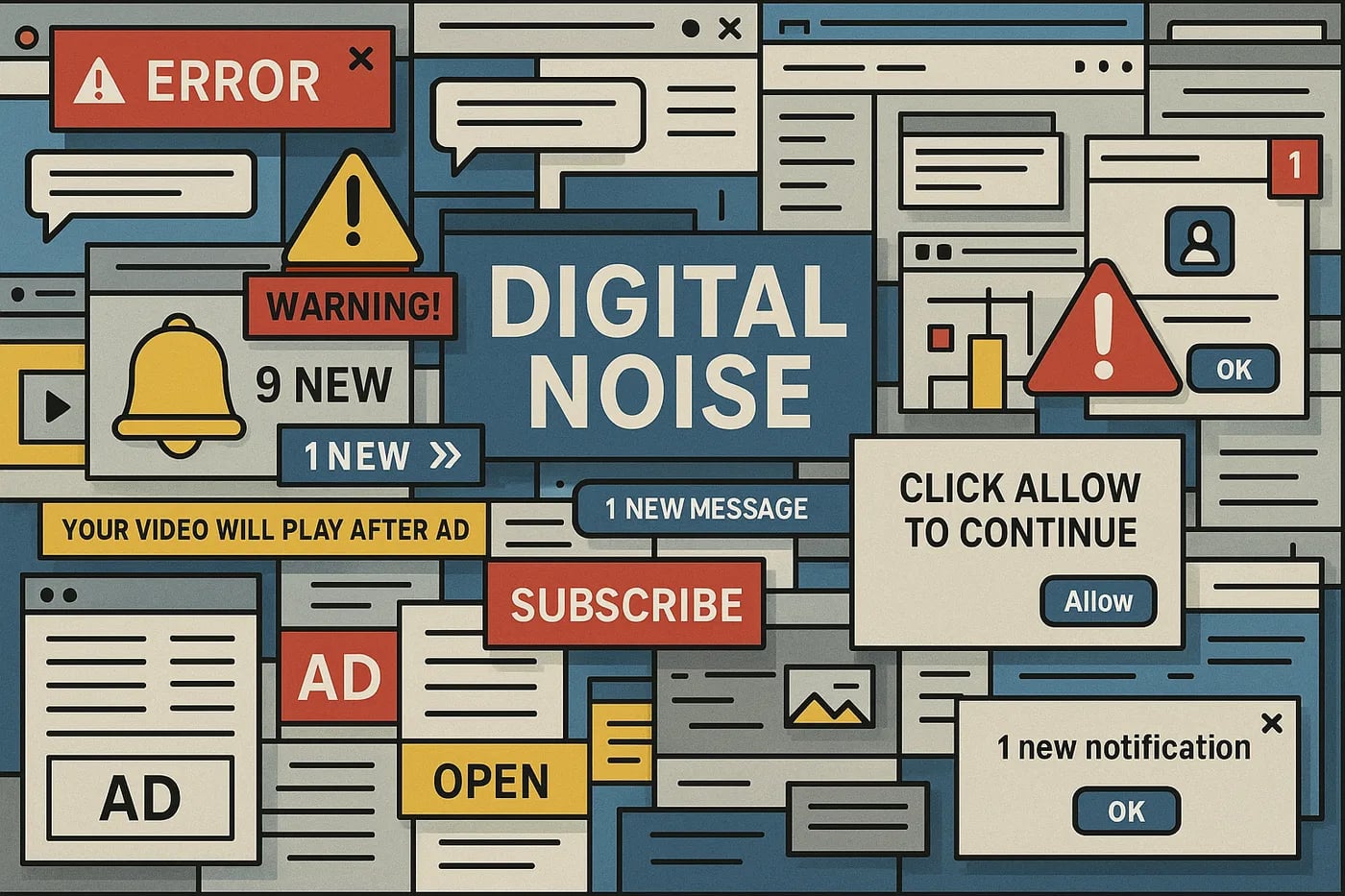
Our digital world has grown relentlessly noisy. Pop-ups demand attention, notifications interrupt our thoughts, and complex interfaces leave us mentally exhausted. Research on interrupted work, notably Gloria Mark's studies at UC Irvine, links constant interruptions to higher stress and lost focus. Amid the chaos, users crave peace and clarity. For designers, this raises an important question: how can we create digital products that feel calm instead of chaotic?
Enter Quiet UX—a growing movement in design that proves simplicity, not stimulation, is what truly keeps users engaged.
What Is Quiet UX?
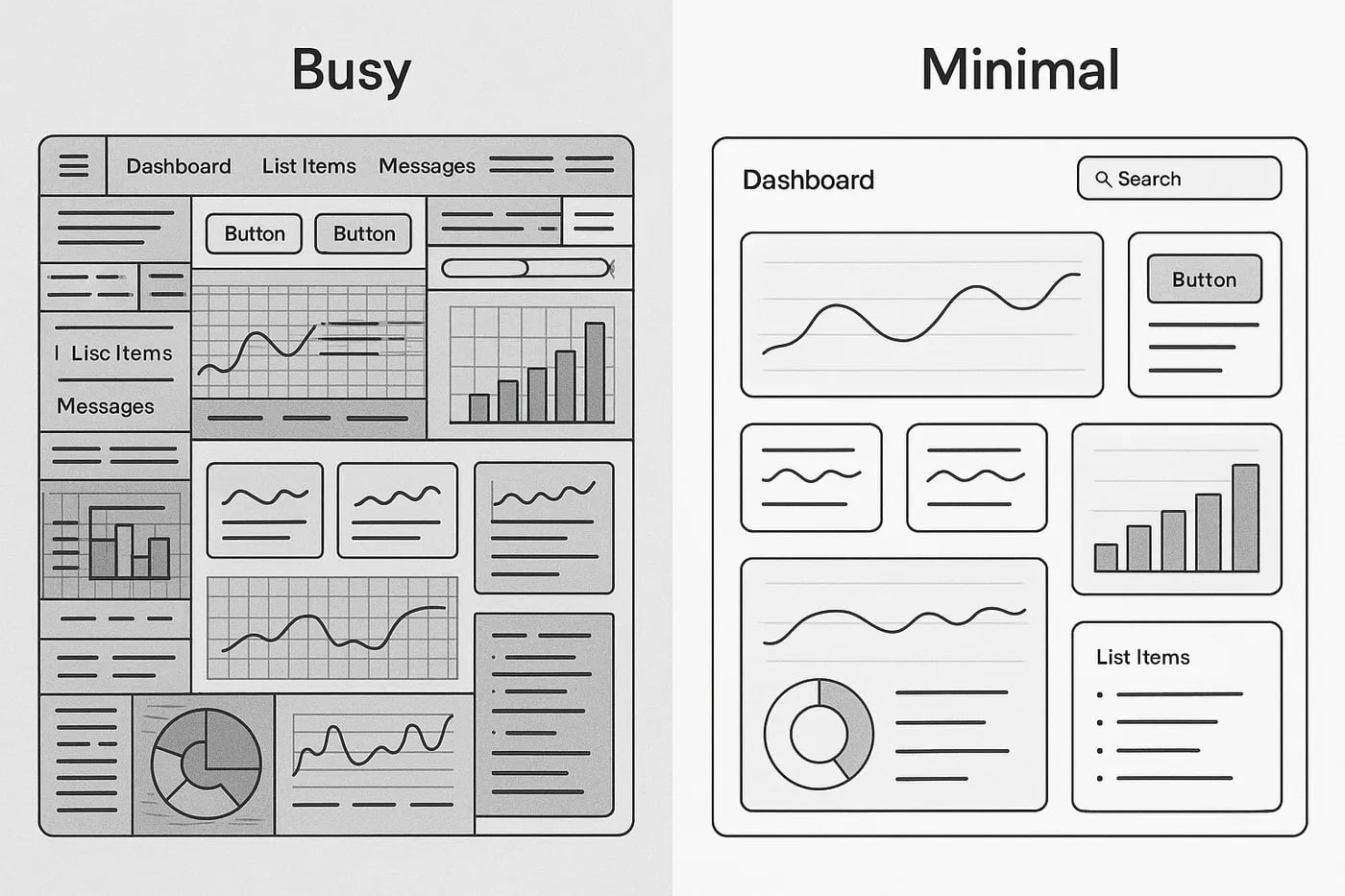
Quiet UX, or calm UX, redefines how digital experiences communicate. Instead of shouting for attention, it guides users gently through subtle cues, open space, and considered pacing. This approach minimizes friction, reduces stress, and builds trust between users and brands.
At its heart, Quiet UX is about balance: design only what’s necessary, then refine it until every interaction feels natural.
Key traits include:
- Clean layouts that invite instant understanding.
- Soft color schemes and motion that soothe, not distract.
- Lightweight animations and transitions that promote flow.
This design philosophy allows users to breathe—reminding them that technology can feel effortless.
Why Calm, Frictionless Design Matters
Quiet UX isn’t just elegant—it’s effective. Forrester research, widely cited in UX circles, estimated that a better-designed user experience can lift conversion rates by up to 400%. Smoother interactions encourage completion and confidence, and simplified experiences reduce decision fatigue.
Big platforms are moving the same way. Apple’s Focus modes filter out nonessential notifications, while Samsung’s Eye Comfort Shield warms the screen as the day goes on for a gentler evening experience.
Even small design choices matter. Biometric logins and background security checks reduce the tension of repetitive authentication, letting users glide through tasks without noticing the invisible systems at work.
When done right, calm design turns functionality into emotional relief.
The Principles Behind Quiet UX
Quiet UX thrives on intentional design decisions. Here are its foundational principles:
- Minimal Intervention: Communicate only when necessary. Give users control over when and how they receive notifications.
- Peripheral Attention: Place information at the edges—visible but never intrusive.
- Consistency: Familiarity breeds comfort. Keep patterns and tone unified so users always know what to expect.
- Ambient Personalization: Adjust elements like brightness or theme automatically, based on context, time, or behavior.
- Silent Authentication: Use invisible tools like biometrics for seamless and secure access.
- Trust and Transparency: Calm design earns loyalty by removing uncertainty and giving users confidence in every action.
These principles ensure technology fades into the background, allowing users to stay immersed in their goals.
Real-World Examples
Quiet UX is already shaping products we use every day.
- Apple’s Focus Mode creates mindful boundaries, reducing interruptions during work or rest.
- Samsung’s Eye Comfort Shield shifts screen color temperature through the day—a subtle but noticeable mood shift.
- Amazon’s one-click checkout streamlines purchasing, removing unnecessary steps for pure convenience.
Each of these examples demonstrates how calm design choices simplify complex systems, keeping experiences human and intuitive.
Designing for Calm: Best Practices
To apply Quiet UX in your own projects, start small and stay intentional:
- Remove clutter and reduce visual noise—every element must justify its place.
- Limit notifications or combine them intelligently to prevent overload.
- Use transitions that feel smooth and human, not flashy or fast.
- Give users more control over pace and customization.
- Test with real users, since “calm” is different for everyone.
- Prioritize accessibility and inclusiveness, ensuring quiet design benefits all audiences.
Ultimately, Quiet UX is not about what you add, but what you thoughtfully take away.
Conclusion: The Quiet UX Imperative
Digital products don’t need to be louder to make an impact—they need to be smarter, clearer, and calmer. Quiet UX reclaims space for focus and mindfulness in design. It invites users to engage deeply without distraction and reminds designers that simplicity is often the ultimate sophistication.
So, ask yourself: Is your product calming or clamoring?
As you plan your next interface, try designing for quiet. Your users—and their minds—will thank you for it.
Related Articles
- The State of Frontend Career Growth in the AI EraHow AI is changing frontend careers: what’s shifting, which skills matter most, and how to future-proof your work as a developer.
- What's New in Next.js 16: Turbopack, AI Debugger & PPR GuideExplore the major changes in Next.js 16: Turbopack replaces Webpack, proxy.ts replaces middleware.ts, and the future of rendering with Cache Components.
- Building Login/Logout Functions Yourself: Security Aspects Often OverlookedThink Login/Logout is simple? An A-Z security checklist (CSRF, 2FA, rate limiting and more) to work through before you build your own authentication.
Comments (0)
No comments yet. Start the conversation.